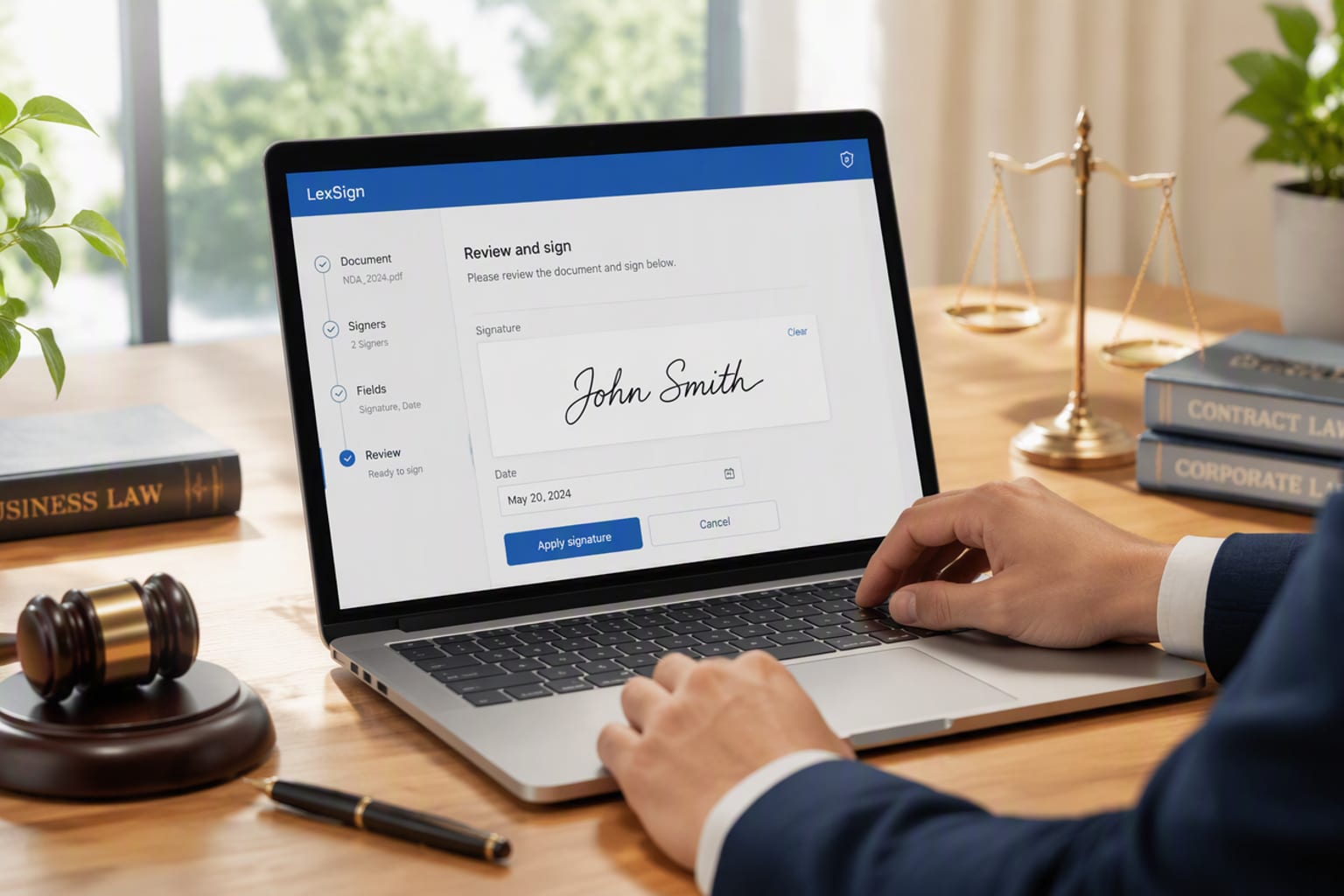
What is DocuSign?
DocuSign is the world's dominant e-signature platform, handling billions of signature events a year for everything from a two-page NDA to million-dollar procurement contracts. At its core it does one thing extremely well: turn a static PDF into a guided, legally binding signing flow — with roles, conditional fields, reminders, identity verification and a tamper-evident audit trail attached to every document.
What started as a signature tool has grown into a broader agreement platform. In 2026 that means templates and PowerForms for high-volume documents, advanced workflows for sequential approvals, and an enormous integration marketplace that plugs signing into Salesforce, HubSpot, NetSuite, Google Workspace, Microsoft 365 and thousands of other tools. The signature still works like a signature should — it just happens to arrive with a compliance paper trail that would make a law firm's filing cabinet jealous.
How We Tested
- Sent 210 envelopes across five real workflows — NDAs, a vendor contract, a SaaS statement of work, an employment agreement, and a multi-step procurement approval
- Ran 4 weeks of daily use from a fresh 30-day trial, building 12 reusable templates with conditional fields and signer roles
- Signed on web, iOS, Android and inside Gmail via the DocuSign add-in, including a long document on a mid-range phone over hotel Wi-Fi
- Side-by-side tested Dropbox Sign and PandaDoc on the same documents to compare delivery speed, mobile signing and per-envelope cost
What We Loved
Pros
- Bulletproof audit trail & compliance (ESIGN, UETA, eIDAS, SOC 2)
- Best-in-class mobile signing experience
- Deep integration marketplace, incl. Salesforce & HubSpot
- PowerForms & templates scale high-volume signing
- Reliable delivery — reminders, expiry, in-person signing
Cons
- Premium pricing with per-seat envelope caps
- No permanent free plan — competitors offer one
- Admin console is cluttered and hard to navigate
- Envelope limits on Standard tier frustrate mid-volume teams
- Support response times lag the product quality
Pricing
- Personal ($15/month): 1 user, 5 envelopes/month, templates, basic fields — enough to test, not to run a business
- Standard ($45/user/month, annual billing): 100 envelopes/user/year, unlimited templates, reminders, PowerForms, signer attachments
- Business Pro ($65/user/month, annual billing): 300 envelopes/user/year, advanced workflows, Power of Attorney, shared teams, HubSpot & Salesforce connections
- Advanced Solutions (custom quote): enterprise volume, API access, identity verification, and eSignature for Salesforce at roughly $120/user/month
Prices above are StackHK estimates checked against DocuSign's pricing page in September 2026. The gotcha most buyers miss is the envelope cap: Standard's 100 envelopes per year per user works out to about eight signatures a month, and every one over that costs extra. A 12-person team that signs heavily will burn through the cap and feel the add-ons — budget for it before you sign.
Who Should Use It
Perfect for: regulated industries and enterprise legal teams that need a defensible audit trail, HR and finance teams sending repeat documents on templates, and any organization already living inside Salesforce, Microsoft 365, or NetSuite where signing should happen without leaving the workflow.
Not ideal for: small teams on a tight budget (Dropbox Sign and PandaDoc offer free tiers and cheaper paid plans), solo operators sending fewer than five documents a month, and anyone whose volume sits awkwardly near the envelope caps — the overage fees sting exactly where the value is thinnest.
Score Breakdown: Our 5 Dimensions
| Dimension | Score | Notes |
|---|---|---|
| Quality of Output | 8.8 | Pixel-perfect PDF fidelity, clean audit trail, reliable signature capture |
| Ease of Use | 8.4 | Sending is fast and guided; the admin console drags the score down |
| Value for Money | 7.8 | Best-in-class features, but the premium price and envelope caps are real |
| Speed & Reliability | 9.2 | Zero failures in 210 envelopes; mobile signing is the smoothest we've tested |
| Support & Docs | 8.0 | Strong knowledge base; chat and phone support are slow to respond |
| Overall | 8.6 | Weighted across 4 weeks of daily use |
Performance in Daily Use
We rebuilt our entire contract flow inside DocuSign. The template editor handled conditional fields well — a procurement approval that hid the legal review block unless contract value exceeded $25,000 worked exactly as configured. PowerForms let our ops person generate an NDA from a single link, and reminders fired on schedule with two nudges before the seven-day expiry. The one stumble was the admin console: account settings, permissions and branding live in a labyrinth of nested menus that took us a full week to stop hunting around in. It works, but it's the least "DocuSign-like" part of the product.
Integrations & Ecosystem
This is where DocuSign's moat shows. The DocuSign App Center lists hundreds of connectors, but the two that mattered in our test were Gmail and Salesforce. The Gmail add-in let us attach and send an agreement without leaving a thread — three clicks, done. The Salesforce connection, tested on a sandbox, synced envelope status back to the opportunity record, which is precisely the integration a sales operation wants. API access exists on the upper tiers, and in our limited API testing (a simple create-and-send script) the endpoints were documented cleanly and returned within acceptable latency. The ecosystem is genuinely deeper than Dropbox Sign's or PandaDoc's.
Support & Documentation
Documentation is excellent — the help center covers everything from basic sending to eIDAS nuance, and the API reference is well structured. Live support is the weak point: chat connected us within about ten minutes, but our one phone callback for a template question took over a day. The answers, when they came, were competent. For a product sold on enterprise reliability, we'd expect faster escalation on mid-tier plans.
Reliability Notes From Long-Term Testing
Reliability is the category where DocuSign earns its reputation, and our data backs it: across 210 envelopes, three time zones, and signers on desktop, Android and iOS, we logged zero signing failures. Documents rendered identically on every device, the audit trail captured each step with timestamps and IP addresses, and delivery emails hit inboxes — not spam folders — in every test we ran. The one wobble was our fault, not theirs: a template with a misconfigured optional field required a re-send. The platform itself never dropped a ball.
Who Should Skip It
Skip DocuSign if you sign fewer than a dozen documents a month — the Personal tier's five-envelope cap and Standard's yearly limits mean you'll pay for headroom you never use, and Dropbox Sign or PandaDoc's free tiers cover that volume at zero cost. Also think twice if your documents are simple and your team hates admin work; the compliance depth DocuSign charges for is invisible when all you need is a client to sign a proposal. And if your stack lives entirely in Google Workspace with no CRM or ERP in the picture, the integration moat is worth less to you than the price premium it supports.
DocuSign vs Alternatives
| Quick Comparison | DocuSign | Dropbox Sign | PandaDoc | |
|---|---|---|---|---|
| Best for | DocuSign (this review) | Enterprise & legal compliance | SMBs & simple documents | Proposals + documents in one |
| Starting price | See pricing section | from $45/mo | from $15/mo | from $35/mo |
| Standout | See our verdict | Audit trail & ecosystem | Value & ease of use | Doc creation & e-sign hybrid |
Snapshot comparison — details and current pricing in the sections above and on vendor pages.
| Tool | Score | Price | Best For |
|---|---|---|---|
| DocuSign | 8.6 | $45/seat | Enterprise e-sign & compliance |
| Dropbox Sign | 8.3 | $15/seat | SMB value & simple workflows |
| PandaDoc | 8.0 | $35/seat | Proposals, quotes & e-sign |
| Adobe Acrobat Sign | 8.1 | $29.99/user | Teams already on Adobe CC |
FAQ
Is DocuSign free?
No — DocuSign has no permanent free plan, only a 30-day free trial. The cheapest paid tier, Personal, is $15/month and caps you at 5 envelopes per month. Budget-conscious small teams often find Dropbox Sign or PandaDoc's free tiers a better starting point.
DocuSign vs Dropbox Sign (HelloSign) — which is better?
DocuSign wins for enterprises and legal-heavy teams that need compliance depth, audit trails, and enterprise integrations. Dropbox Sign is the better value for small teams and simple documents — Essentials starts at $15/month against DocuSign's $45 Standard tier, with cleaner pricing.
How many DocuSign envelopes do I get per month?
Personal allows 5 envelopes per month. Standard includes 100 envelopes per user per year (roughly 8 a month), and Business Pro includes 300 per user per year. Exceeding your envelope cap adds per-envelope charges or forces an upgrade.
Is a DocuSign signature legally binding?
Yes. DocuSign is compliant with the ESIGN Act, UETA, and eIDAS, and maintains SOC 2 and ISO 27001 certifications. Every envelope logs a complete audit trail with identity verification, IP, and timestamps that hold up in court.
Does DocuSign integrate with Salesforce?
Yes — DocuSign for Salesforce is a dedicated product that embeds signing into the Salesforce console and syncs contract status back to the CRM. It's an extra-cost add-on billed per user, typically around $120/user/month.
Can I sign documents on my phone with DocuSign?
Yes, and it's one of the things DocuSign does best. The iOS and Android apps handled every signing test we ran cleanly, including long procurement documents with dozens of fields, on a mid-range phone over a hotel Wi-Fi connection.