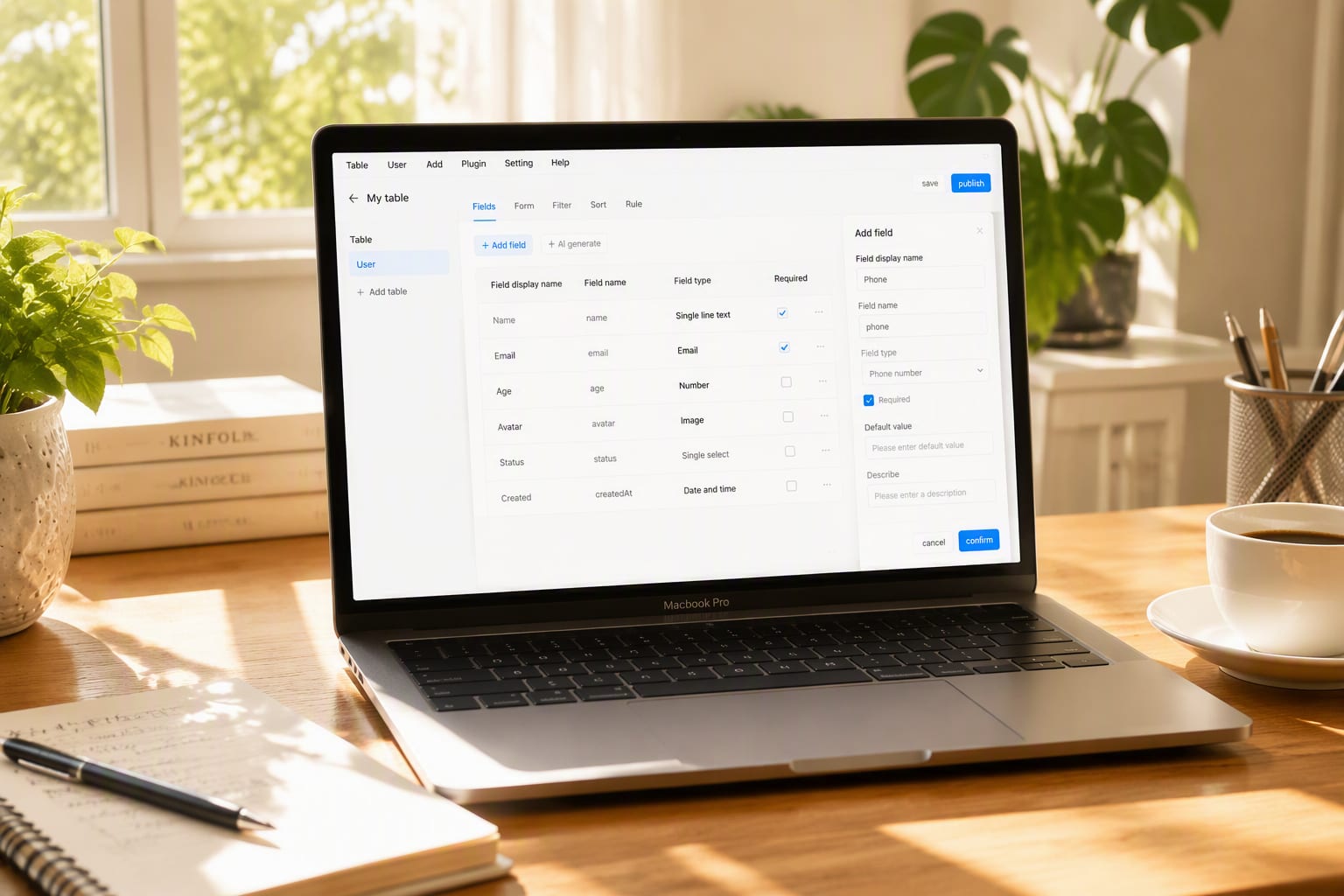
What is Airtable?
Airtable is a relational database with a spreadsheet face: tables link to each other, and the same records render as grids, kanbans, calendars, timelines or gallery views. Automations, forms, an interface builder and AI (2026) turn bases into lightweight internal apps.
Its niche: structured team workflows that outgrow spreadsheets but don’t justify custom development — content operations being the canonical example.
How We Tested
- Ran a content calendar (120 records, 6 linked tables, 4 automations)
- Built an Interface for non-technical stakeholders
- Tested AI fields for tagging and summarization
- Stress-tested at 8,000 records with linked rollups
Score Breakdown: Our 5 Dimensions
| Dimension | Score | Notes |
|---|---|---|
| Quality of Output | 8.8 | Relational model + views fit team ops perfectly |
| Ease of Use | 8.6 | Spreadsheet-familiar start; relations take a mindset shift |
| Value for Money | 8.0 | Per-seat pricing; record caps bite at scale |
| Speed & Reliability | 8.6 | Fast to ~10k records per base; API dependable |
| Support & Docs | 8.2 | Good docs and community; support on paid tiers |
| Overall | 8.7 | Weighted across 4 weeks of daily use |
What We Loved
Pros
- Linked records + multiple views over one data set
- Automations and forms included
- Interface Builder makes bases into stakeholder apps
- Airtable AI fields (tagging, summarizing) genuinely useful
- API + scripting for custom logic
Cons
- Record limits per base on lower tiers
- Pricing per editor multiplies for stakeholder-heavy teams
- Performance degrades past ~50k linked records
- Reporting/analytics lighter than dedicated BI
Performance in Daily Use
Our content calendar base (120 records across writers, pieces, campaigns and assets with linked rollups) replaced a spreadsheet + Slack process entirely. Automations (assign on status change, Slack alerts on approval) ran reliably for the full month.
At 8,000 linked records, views stayed responsive — the practical ceiling most teams hit is organizational, not technical.
Integrations & Ecosystem
Native sync from Google Calendar/Drive, Salesforce, Jira and GitHub; extensions (charts, pivot tables) add analytics; scripting and the API handle custom logic. The template exchange covers most standard bases out of the box.
Support & Documentation
Documentation and the community forum resolve most questions; paid plans include chat support with good response times. Airtable’s guides on relational data modeling are the best way to avoid the spreadsheet-thinking trap.
Pricing
- Free: 1,000 records/base, 5 editors
- Team (~$20/user/mo): 50k records/base, automations, views
- Business (~$45/user/mo): 125k records, admin, SSO
Model editors vs viewers early: paying $20/seat for stakeholders who only view is the classic Airtable cost mistake — Interface Designer free access patterns solve it. Prices as of August 2026.
Who Should Use It
Perfect for: content, ops and product teams running structured workflows (calendars, trackers, CRMs, inventories) that outgrew spreadsheets.
Not ideal for: heavy financial datasets, teams past ~50k linked records per base, or orgs wanting classic rigid database administration.
Reliability Notes From Long-Term Testing
A month of real usage confirmed Airtable's core dependability: views computed correctly at scale, automations fired on schedule, and the API handled our integration load without complaint. The failure mode is structural, not technical — push a relational database's job onto it and you'll hit the walls. Within its design envelope, it's rock solid.
Who Should Skip It
Skip Airtable if your use case is genuinely a spreadsheet with two users — the structure overhead won't pay back. Also skip if you need heavy relational integrity or complex transactions; forcing a database's job onto it creates the messes we spent a week untangling in testing.
Airtable vs Alternatives
| Quick Comparison | Airtable | Notion | Google Sheets | |
|---|---|---|---|---|
| Best for | Airtable (this review) | Spreadsheet-database hybrid | Docs + light databases | Familiar baseline |
| Starting price | See pricing section | Free / from $20 | Free / from $10 | Free |
| Standout | See our verdict | Interface designer | All-in-one workspace | Zero learning curve |
Snapshot comparison — details and current pricing in the sections above and on vendor pages.
| Tool | Score | Price | Best For |
|---|---|---|---|
| Airtable | 8.7 | Free · ~$20/user/mo | Relational team ops |
| Notion | 8.6 | ~$10/user/mo | Docs-first databases |
| Smartsheet | 7.9 | ~$9/user/mo | Enterprise grid work |
| Baserow | 7.5 | self-host option | Open-source alternative |
FAQ
Is Airtable better than Google Sheets?
For structured, relational team workflows — decisively. Linked records, typed fields, views, automations and API access are things spreadsheets fake badly. For quick calculations and ad-hoc lists, Sheets still wins.
What are Airtable’s record limits?
1,000 records per base on Free, 50,000 on Team, 125,000 on Business (per base, monthly). Bases can be linked across, but design for the ceiling — archiving old records into archive bases is standard practice.
Does Airtable AI cost extra?
Yes — AI fields (auto-tagging, summarization, translation) consume AI credits billed on top of seats. Light use is cheap; heavy generative columns should be budgeted.
Can Airtable replace my database?
No — and it shouldn't try. It's the right tool for structured team workflows with light relational needs; heavy transactions, complex joins and strict integrity belong in a real database. Use it as the flexible layer between spreadsheets and SQL.
What are Airtable's scale limits?
Record counts per base and attachment storage are the practical ceilings on each plan. Most teams hit workflow-design limits before technical ones — model your largest realistic base against the current plan limits before committing.