What is Windsurf?
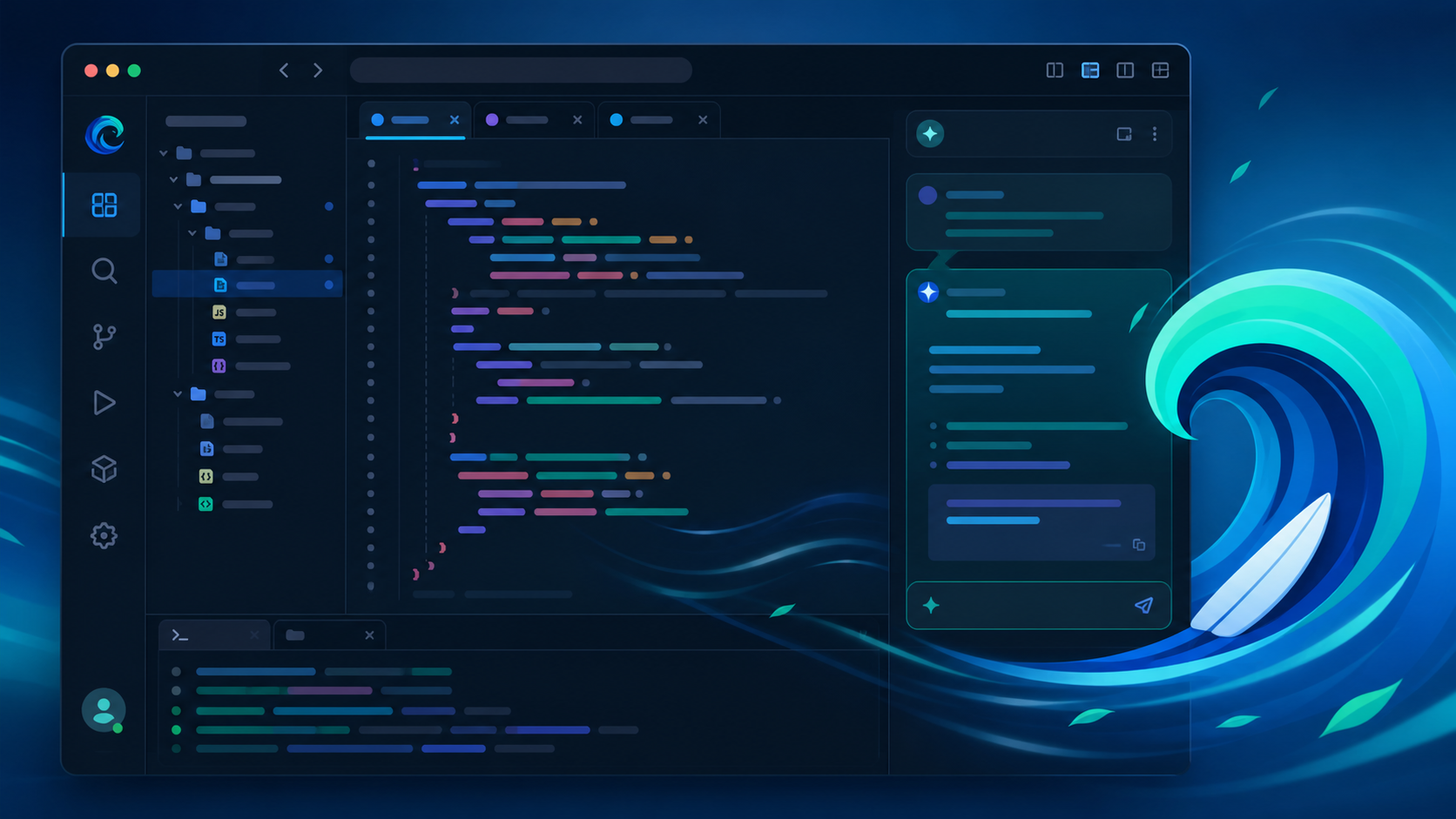
Windsurf is an AI-first code editor built on a fork of Visual Studio Code. Where Cursor pioneered inline AI completions, Windsurf goes a step further with Cascade — an agentic AI that can read your entire codebase, plan multi-file changes, and execute them autonomously with your approval.
It launched in late 2024 and has quickly become one of the most popular AI editors, with a strong free tier and a reputation for fast, context-aware completions. In 2026 it's a serious challenger to Cursor's dominance.
How We Tested
- Built a full-stack SaaS app (React + Node) end to end using Cascade
- Refactored a legacy codebase with 40+ files using multi-file edits
- Debugged production issues using AI-analyzed terminal and runtime errors
- Compared against Cursor and GitHub Copilot on identical tasks
What We Loved
Pros
- Agentic Cascade handles multi-file changes
- Excellent free tier
- Fast, context-aware completions
- Deep project understanding
- Familiar VS Code keybindings
Cons
- Heavy on RAM with big projects
- Occasionally over-eager edits
- Fewer third-party extensions than VS Code
- Prompt credit limits on Pro
Pricing
- Free: Unlimited completions, limited Cascade credits
- Pro ($15/month): More Cascade credits, faster models, priority access
- Teams: Per-seat pricing with central billing
Windsurf's free tier is one of the most generous in the category — genuinely usable for real work without paying. Pro at $15/month matches Cursor's pricing and is worth it if you rely on Cascade daily.
Who Should Use It
Perfect for: Developers and small teams who want agentic AI coding with a familiar IDE experience, plus anyone who wants to start with a strong free tier before paying.
Not ideal for: Teams deeply invested in VS Code extension ecosystems, or large enterprise codebases where multi-file agents need stricter guardrails.
Windsurf vs Alternatives
| Tool | Score | Price | Best For |
|---|---|---|---|
| Windsurf | 8.9 | $15/mo | Agentic AI coding, free tier |
| Cursor | 9.1 | $20/mo | Polished agentic editor |
| GitHub Copilot | 8.9 | $10/mo | Inline completions in any IDE |
| VS Code + Copilot | 8.5 | Free-$10/mo | Familiar editor, light AI |
FAQ
Is Windsurf better than Cursor?
They're close. Windsurf offers a more generous free tier and its Cascade agent handles multi-file changes smoothly, while Cursor edges ahead on polish and ecosystem maturity. For most developers, the free tier alone makes Windsurf worth trying first — but Cursor's agentic workflow remains our top overall pick at 9.1/10.
Is Windsurf free to use?
Yes. The free plan includes unlimited inline completions and a generous monthly Cascade credit allowance. Pro at $15/month adds more credits, faster models, and priority processing.
Does Windsurf work with VS Code extensions?
Mostly. Windsurf is built on a VS Code fork, so the majority of popular extensions work out of the box. Some niche or framework-specific extensions may have compatibility quirks, but core workflows — linters, debuggers, themes, language servers — run fine.