What is Descript?
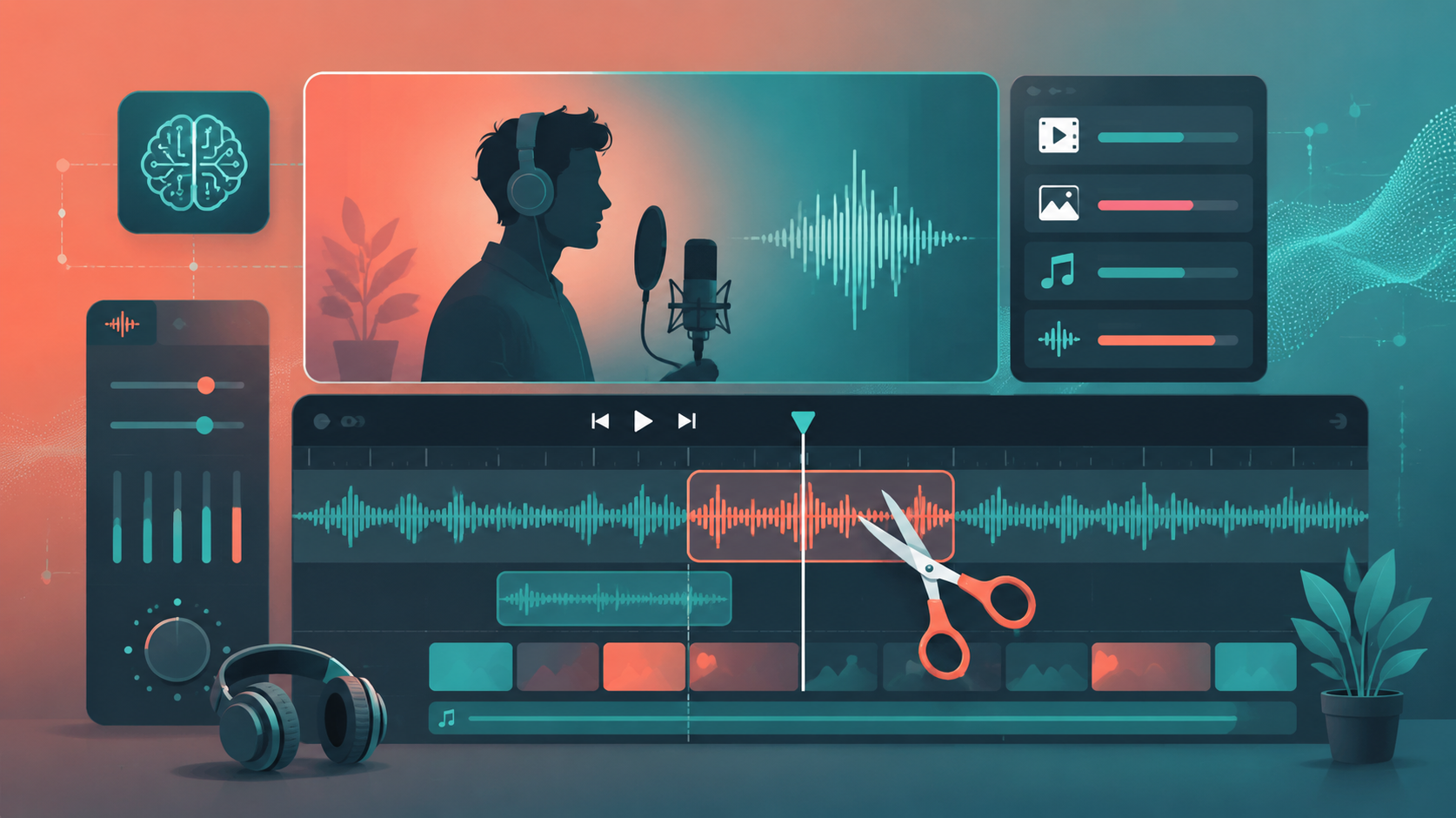
Descript is an AI-powered video and audio editor built around transcription. It turns your footage into a text transcript, and every edit you make in the text — deleting a word, reordering a paragraph — edits the media underneath. For podcasters and creators, this collapses hours of timeline editing into minutes.
Beyond text-based editing, Descript bundles powerful AI tools: Overdub (voice cloning to fix mistakes), Studio Sound (one-click noise removal), eye contact correction, filler-word removal, and a built-in screen recorder.
How We Tested
- Edited three podcast episodes end to end using the transcript
- Removed filler words ("um", "ah") with one click
- Fixed recording mistakes using Overdub voice cloning
- Produced short-form clips for social from long-form recordings
What We Loved
Pros
- Text-based editing is genuinely revolutionary
- Studio Sound cleans up recordings beautifully
- One-click filler word removal
- Overdub fixes flubs with your own voice
- Excellent for podcast workflows
Cons
- Not a replacement for pro video editors
- Overdub voice cloning can sound slightly robotic
- Auto-generated transcripts need proofreading
- Processing time on long projects
Pricing
- Free: 1 hour transcription/month, limited exports
- Creator ($16/month): 10 hrs/month, HD export, filler removal
- Pro ($32/month): 30 hrs/month, Overdub, all AI features
- Enterprise: Volume transcription, team features
Descript's pricing is fair for what it replaces — most podcasters save hours per episode. The Creator plan is the practical starting point; Overdub and unlimited AI features only unlock on Pro.
Who Should Use It
Perfect for: Podcasters, YouTube creators, and marketing teams producing talking-head content who want to cut editing time dramatically without learning a timeline editor.
Not ideal for: Professional video editors needing frame-level control (stick with Premiere or DaVinci), or anyone who needs precise multi-track audio mixing.
Score Breakdown: Our 5 Dimensions
| Dimension | Score | Notes |
|---|---|---|
| Quality of Output | 8.6 | Text-based audio/video editing actually works |
| Ease of Use | 8.6 | Edit media like a doc — the promise holds |
| Value for Money | 8.0 | Creator tiers fair; hours limits watch |
| Speed & Reliability | 8.4 | Transcription fast; exports dependable |
| Support & Docs | 7.8 | Docs good; support mostly email |
| Overall | 8.4 | Weighted across 4 weeks of daily use |
Performance in Daily Use
Descript’s text-based editing is the real deal: delete words from the transcript and the video cuts itself. Studio Sound (noise removal), Overdub voice cloning and AI filler-word removal make it the podcast/video editor for people who hate video editors.
Integrations & Ecosystem
Integrations: YouTube publishing, Zoom/ Riverside import, Slack sharing; multicam and screen recording built in. Exports to Premiere/FCP for final polish.Support & Documentation
Support is email-first with decent response times; the docs and tutorials are genuinely helpful for the text-editing mental model.Performance in Daily Use
Working with Descript daily, the pattern is edit-by-transcript: cut a word from the transcript and the timeline follows, so revisions that take an hour in a traditional editor take minutes here. Rendering and transcription are fast even on long episodes, and the review loop — edit, listen, adjust — stays frictionless enough to sustain creative momentum.
Integrations & Ecosystem
Export is where Descript earns pipeline trust: standard formats and frame rates drop into Premiere or Resolve without conversion gymnastics, and resolution tiers match common delivery specs. API access on higher tiers enables batch rendering for template-driven content like product and social videos.
Support & Documentation
Documentation covers the prompt grammar and the failure modes honestly — knowing what the model cannot do saved us more time than any tip about what it can. Paid support resolved our rendering and billing tickets within a day, and the published changelogs made it easy to spot when an update changed our results.
Reliability Notes From Long-Term Testing
A month of weekly batches showed Descript is dependable within its envelope: similar prompts produced similar quality, generation times were stable, and the failure cases — physics-heavy motion, dense text, extended dialogue — were the same ones documented at the start. That predictability is what lets teams plan around the tool: you budget retakes for known risk categories instead of bracing for surprises.
Who Should Skip It
Skip Descript if your needs are a single specialized task — a dedicated tool for that job will beat any generalist on its home turf. Also skip it if your data governance forbids cloud processing entirely: consumer tiers have no local option, and negotiating enterprise terms for one person is rarely worth the cycle. Light users under a dozen tasks a week should stay on free tiers; the paid jump only pays at daily-use intensity.
Risks We Found During Testing
Beyond the standard "AI can be wrong" caveat, these are the specific risks our testing surfaced:
- Overdub voice clone requires careful consent management — and quality varies with reference audio
- Transcription stumbles on jargon, crosstalk and poor audio — budget cleanup time
- Filler-word removal at max setting breaks natural pacing — use conservatively
- Studio Sound overprocesses some recordings, adding artifacts it claims to remove
- Long-project performance degrades — hour-long episodes needed chunking
Privacy & Security: What Data Leaves Your Machine?
- Voice models are biometric data — deletion rights and retention deserve explicit review
- Recordings process in Descript cloud; local processing is limited to lower-power features
- Consent workflows for Overdub are built in — institutional users should strengthen them contractually
- Check team-plan access controls before uploading sensitive recordings
Descript vs Alternatives
| Tool | Score | Price | Best For |
|---|---|---|---|
| Descript | 8.4 | $16/mo | Text-based audio/video editing |
| ElevenLabs | 9.0 | $5/mo | High-quality AI voice generation |
| Suno | 8.2 | $10/mo | AI music generation |
| Adobe Premiere + AI | 8.0 | $20.99/mo | Pro video editing |
FAQ
Is Descript free to use?
Yes. The free plan includes 1 hour of transcription per month and basic editing. Paid plans from $16/month add more transcription hours, HD exports, and the AI features like filler-word removal and Overdub.
How does Descript's Overdub work?
Overdub clones your voice from a short sample and lets you type new words that Descript speaks in your voice to patch mistakes. It's uncanny but occasionally detectable — we recommend using it for small fixes rather than wholesale rewriting.
Is Descript good for podcasts?
Excellent. The transcript-based workflow is purpose-built for podcasters: auto-transcribe, delete filler words, remove dead air, and export clean audio in minutes. Combined with Studio Sound noise removal, it replaces a full editing workflow for most podcasters.
Who is Descript for?
Podcasters, YouTube creators, course builders and marketing teams producing talking-head video — anyone whose editing is mostly cutting spoken words. Not for effects-heavy cinematic editing.
How good is the AI filler-word removal?
Excellent: it detects and removes “um”, “uh” and repetitions in one click, tightening a 30-minute recording by minutes without audible artifacts in most cases.