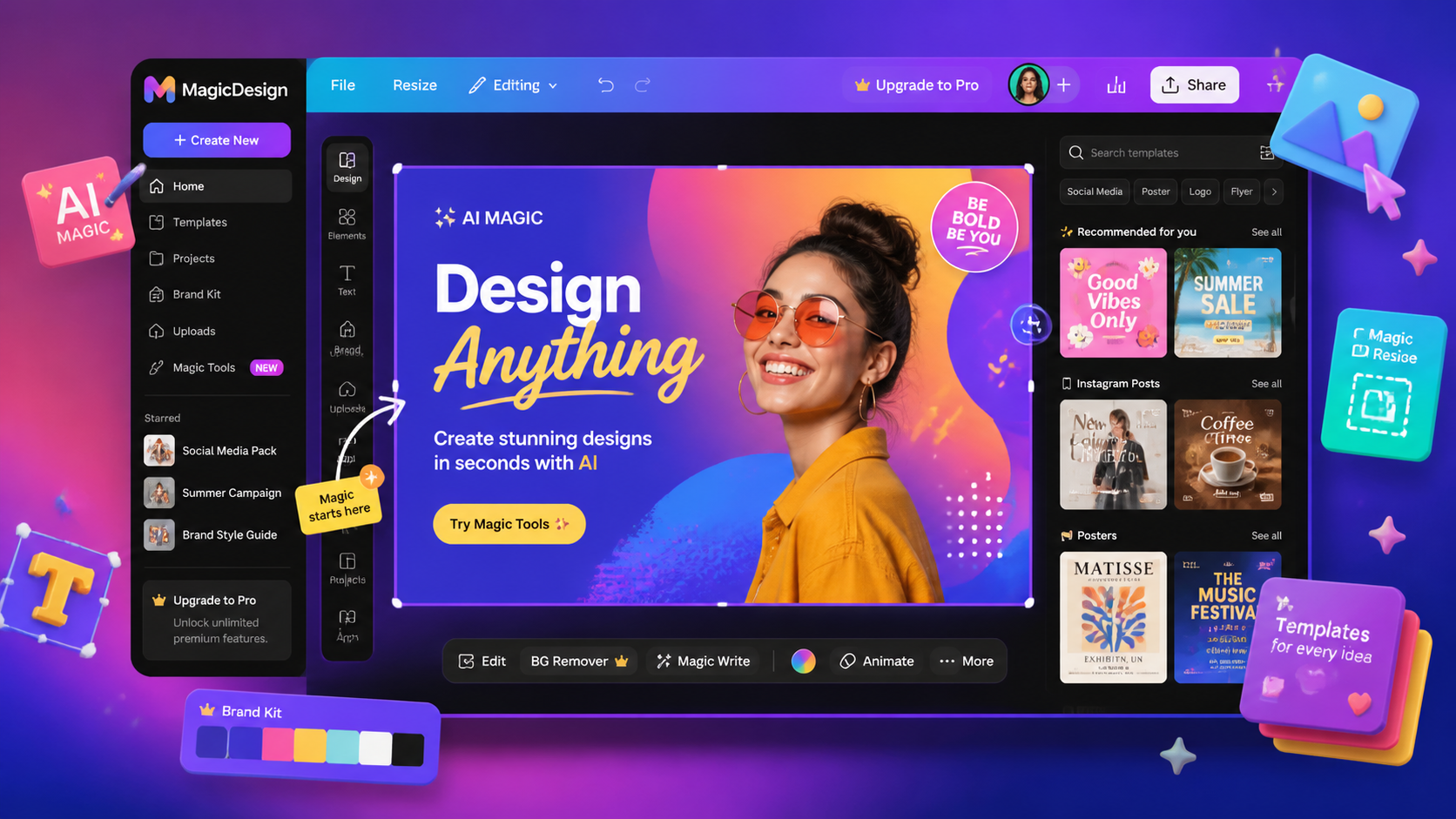
What is Canva AI?
Canva is the world's most popular design platform, and its Magic Studio layer adds generative AI across the entire product. From a blank page, you can now describe an idea and get a finished social post, presentation or thumbnail — complete with AI-generated imagery, copy and layout.
The key tools: Magic Design (prompt → full design), Magic Write (AI copy for your design), Magic Media (text-to-image and video), Magic Eraser (object removal), and one-click background removal. It's design-for-everyone, supercharged.
How We Tested
- Built 30+ designs across social posts, thumbnails, decks and banners
- Tested Magic Design from 20 different text prompts
- Compared AI image quality against Leonardo and Adobe Firefly
- Stress-tested Magic Eraser and background removal on real photos
What We Loved
Pros
- Magic Design generates usable designs from a prompt
- Instant, high-quality background removal
- Enormous template & asset library
- Magic Write keeps copy and design consistent
- Free tier still genuinely useful
Cons
- AI image quality below dedicated generators
- Best AI tools locked to Pro plan
- Fine-grained professional control limited
- Sometimes generic, template-heavy output
Pricing
- Free: Core design tools, limited AI credits
- Pro ($12.99/month): All Magic Studio tools, 500 AI credits, background removal, brand kits
- Teams ($10/user/month): Collaboration, brand controls, SSO
At $12.99/month, Pro is arguably the best-value AI design subscription available. For that price you get Magic Design, Magic Write, background removal and brand controls — features that cost far more across dedicated tools. Free is still genuinely usable.
Who Should Use It
Perfect for: Marketers, social media managers, small business owners and content creators who need polished visuals fast — without learning professional design software.
Not ideal for: Professional designers needing precise generative control — Leonardo AI or Adobe Firefly go deeper — or teams needing cinematic video (see Runway).
Canva AI vs Alternatives
| Tool | Score | Price | Best For |
|---|---|---|---|
| Canva | 8.4 | $12.99/mo | Effortless AI design for all |
| Leonardo AI | 8.2 | Free-$30/mo | Powerful AI image generation |
| Adobe Firefly | 7.8 | $9.99/mo | Commercial-safe generative fills |
| Image & Video tools | → | — | Browse all our image & video reviews |
FAQ
Is Canva AI free?
Basic Magic tools are available free with limited credits. The full Magic Studio — including Magic Design, Magic Write and background removal — requires Canva Pro at $12.99/month.
Is Canva AI good for professional design?
For marketing and content design, absolutely. For precise, high-end creative work, dedicated tools like Leonardo AI or Adobe Firefly offer deeper control. Canva excels at speed and accessibility.
Does Canva AI own the images it creates?
Yes — content created with Magic Studio is owned by you and covered by Canva's content license terms, including commercial use for paying customers. This makes it safer than many public generators for business content.