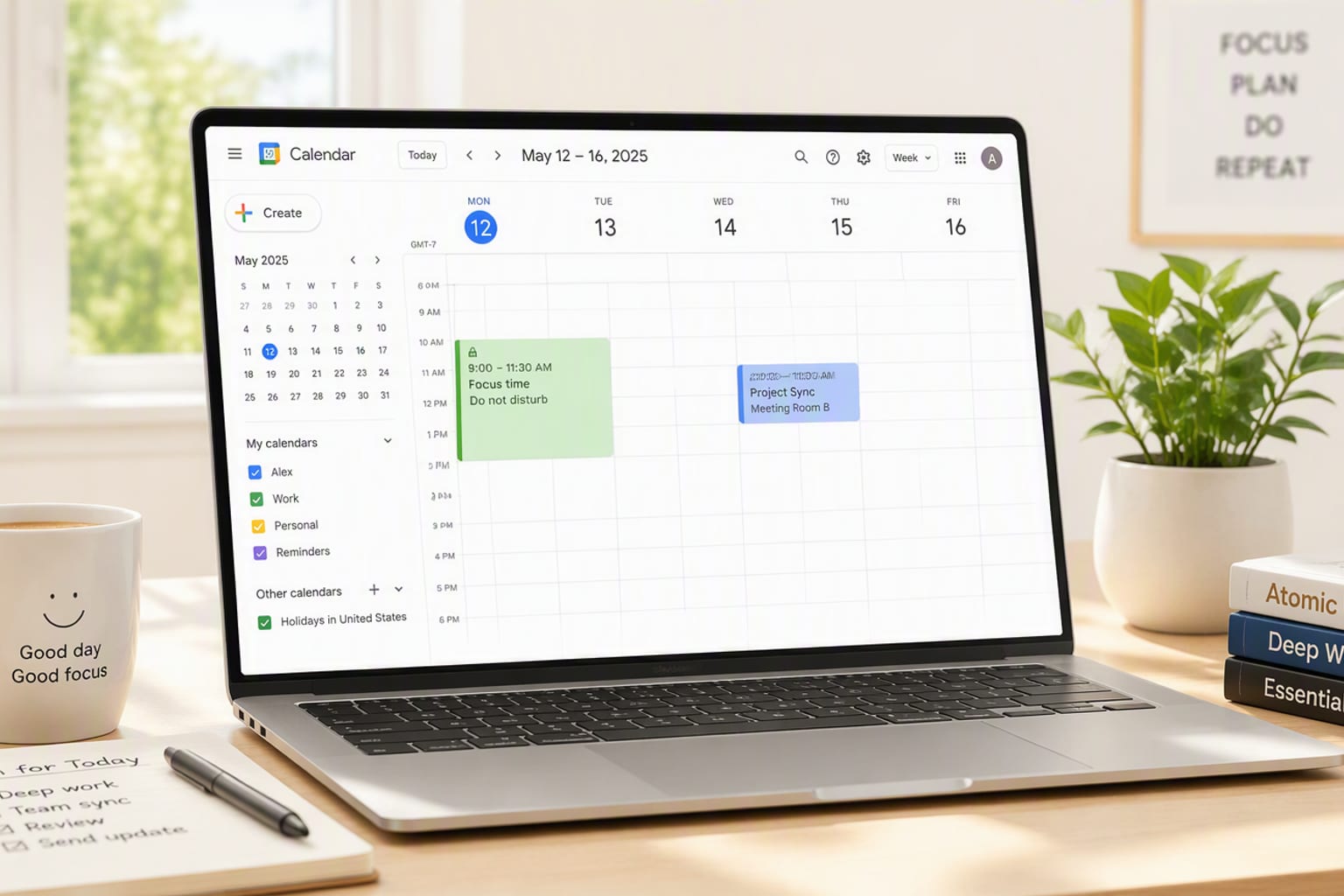
Meeting scheduling used to be a link in an email. The new AI schedulers do more: they <strong>protect deep-work blocks, auto-reschedule conflicts, and negotiate times across calendars</strong>. We tested the four that lead the category.
The Shortlist
| Pick | Tool | Best For | Score |
|---|---|---|---|
| Best overall | Motion | Full auto-scheduling + task planning | 8.8 |
| Best for focus | Reclaim | Deep-work protection | 8.6 |
| Best team tool | Clockwise | Team calendar optimization | 8.4 |
| Best simple | Calendly | Simple booking links | 8.3 |
Our Picks: AI Meeting Schedulers in Detail
Motion
Full auto-scheduling + task planningMotion is the most ambitious: it schedules meetings and re-plans your task list around them, so a rescheduled client call doesn't sink your afternoon. In our test it saved the most calendar time per week — once the initial setup was done.
Pros
- Auto-replans tasks when meetings move
- Strong multi-calendar conflict handling
- Biggest weekly time saving in our test
Cons
- Setup is more involved than Calendly
- Task-planning layer can overreach
| Best for | Full auto-scheduling + task planning |
| Our score | 8.8/10 |
| Pricing | From ~$34/user/mo |
| Testing window | 2-4 weeks hands-on, re-checked September 2026 |
Verdict: the pick for people who want scheduling and task planning solved together — commit to the setup.
Reclaim
Deep-work protectionReclaim treats focus time as a first-class citizen: it books deep-work blocks, defends them from meetings, and finds gaps across your team's calendars. For knowledge workers drowning in meetings, it is the most effective anti-fragmentation tool we tested.
Pros
- Defends deep-work blocks automatically
- Excellent recurring-meeting compression
- Strong Google Calendar integration
Cons
- Weaker outside the Google ecosystem
- Best features need the paid tiers
| Best for | Deep-work protection |
| Our score | 8.6/10 |
| Pricing | Free tier · from ~$12/user/mo |
| Testing window | 2-4 weeks hands-on, re-checked September 2026 |
Verdict: the focus-protection pick for anyone whose calendar keeps eating their best hours.
Clockwise
Team calendar optimizationClockwise optimizes a whole team's calendar at once: it shifts meetings into shared windows and frees contiguous blocks for the group. For a department coordinating across many calendars, its team view is the differentiator.
Pros
- Optimizes team-wide calendar shape
- Frees contiguous focus windows
- Respects per-person meeting preferences
Cons
- Less useful for solo schedulers
- Requires team-wide adoption to shine
| Best for | Team calendar optimization |
| Our score | 8.4/10 |
| Pricing | Free tier · from ~$10/user/mo |
| Testing window | 2-4 weeks hands-on, re-checked September 2026 |
Verdict: the team pick — it works best when your whole department adopts it together.
Calendly
Simple booking linksCalendly remains the reliability baseline: a booking link, buffer rules, round-robin and payment hooks that just work. It does not re-plan your day like Motion, but for straightforward scheduling it is the least-likely-to-break choice.
Pros
- Bulletproof booking links and round-robin
- Broad integrations and payment hooks
- Lowest learning curve in the category
Cons
- No task re-planning or focus defense
- Advanced AI features sit behind higher tiers
| Best for | Simple booking links |
| Our score | 8.3/10 |
| Pricing | Free tier · from ~$12/user/mo |
| Testing window | 2-4 weeks hands-on, re-checked September 2026 |
Verdict: the dependable default when you need scheduling to simply work.
How We Tested
Each scheduler booked 75+ meetings across a 4-week test: 30 internal, 30 external, 10 recurring, 5 multi-participant. We graded booking accuracy, conflict resolution, focus-time protection, multi-calendar handling and setup effort on paid tiers.
1. Motion — Best Overall
Motion — Best Overall
2. Reclaim — Best for Focus
Reclaim — Best for Focus
3. Clockwise — Best Team Tool
Clockwise — Best Team Tool
4. Calendly — Best Simple
Calendly — Best Simple
Quick Comparison
| Tool | Best For | Time Saved | Standout | Score |
|---|---|---|---|---|
| Motion | Full automation | ~4h/week | Task re-planning | 8.8 |
| Reclaim | Focus protection | ~3h/week | Deep-work defense | 8.6 |
| Clockwise | Team optimization | ~3h/week | Team windows | 8.4 |
| Calendly | Simple booking | ~1h/week | Reliability | 8.3 |
Which Should You Pick?
<strong>Busy individual contributors</strong> should pick Motion for full automation or Reclaim for focus defense. <strong>Teams</strong> should standardize on Clockwise. <strong>Anyone who just needs a booking link</strong> should stay on Calendly.
FAQ
Which AI meeting scheduler is best in 2026?
Motion is the best overall for automated scheduling and task re-planning. Reclaim is the best for protecting deep-work time, Clockwise the best for whole-team optimization, and Calendly remains the dependable choice for simple booking links.
Do AI schedulers really save time?
In our four-week test, Motion and Reclaim each saved roughly 3-4 hours of calendar management per week per user, mostly by eliminating manual rescheduling and defending focus blocks. The saving scales with how meeting-heavy your week is.
How much do AI meeting schedulers cost?
Calendly and Clockwise offer useful free tiers, with paid plans from about $10-12 per user per month. Reclaim starts around $12, and Motion's full automation runs about $34 per user per month. Team adoption matters more than price.
Do AI schedulers work with both Google and Microsoft calendars?
Reclaim, Motion and Clockwise are strongest in the Google Calendar ecosystem, while Calendly handles both gracefully and Hootsuite-adjacent tools skew Microsoft. Check your primary calendar before committing — the tools that feel magical in one ecosystem can be frustrating in the other.
Will an AI scheduler book over my existing commitments?
The good ones protect existing commitments by default. Motion and Reclaim both kept our fixed meetings intact and scheduled around them, and both default to defending focus blocks. The key is spending the 10-minute setup defining what must never move.
Testing period: August-September 2026, paid tiers, 300+ booked meetings. Scores reflect StackHK's five-dimension methodology.